


Manage your profile
Your Profile page holds the name your teammates see, your team's name, your time zone, and the email address you sign in with.
Open your profile
In the left sidebar under ACCOUNT, click Profile. The Account card at the top holds your name, team name, and time zone. The Email Address card below it handles your sign-in address.
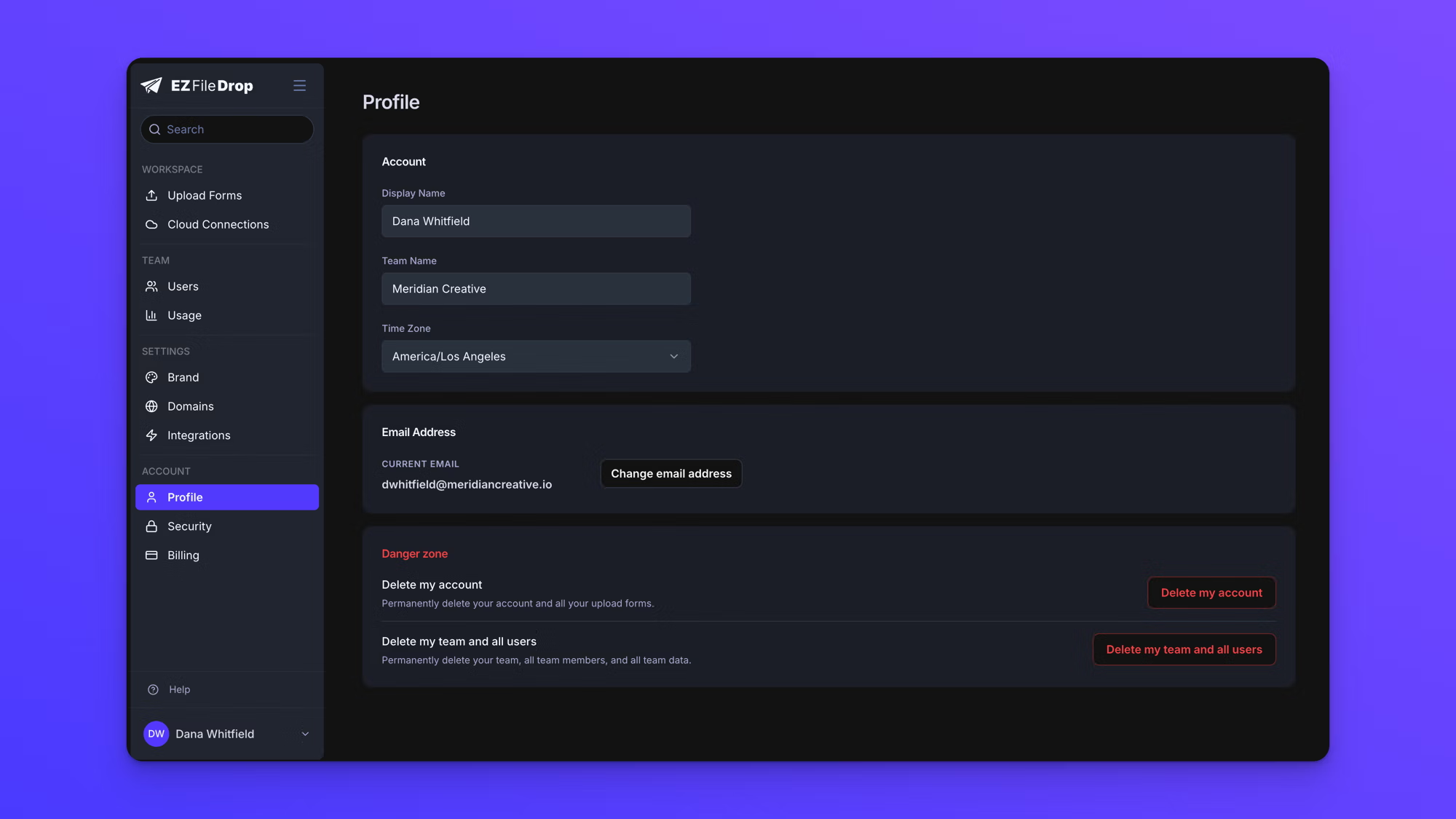
Update your name, team name, and time zone
The Account card has no save button. Each setting saves on its own a moment after you stop typing, and a "Saving…" indicator appears beside that setting while the save is in progress.
Display Name is how you appear to your teammates in the app.
Team Name appears in the invitation emails sent to new users. Only team owners can change it. Team members see the current name but cannot edit it.
Time Zone applies to the schedules on your forms.
What the time zone setting affects
Your time zone is used to interpret the start and cut-off times on a form's schedule. When you own a form, its scheduled times are read in your time zone and stay fixed there no matter who else edits the form. The Security & Limits panel in the form builder names the time zone in effect so it is clear whose is being used.
Your time zone does not change how submission timestamps, exported data, or notification emails are displayed.
Change your email address
- In the left sidebar under ACCOUNT, click Profile.
- Click Change email address.
- Enter the new address and your current password. The form explains "We require your password to confirm it's really you."
- Submit the change.
EZ File Drop then sends two emails. A confirmation link goes to the new address, and a security notice goes to your current one. The security notice includes a link to block the change if you did not request it.
Your address does not change until you click the link in the email sent to the new address, and that link expires in 24 hours. If it has not arrived, check your spam or promotions folder, and use the resend control on the same card.
Behavior notes
- Changing your email address changes how you sign in. Your forms, submission records, cloud connections, and team membership are unaffected.
- Your display name is separate from your login. Changing it does not affect your email address or password.