
Receive file uploads into your own SharePoint library.
No credit card required · 7-day Business plan trial
How it works
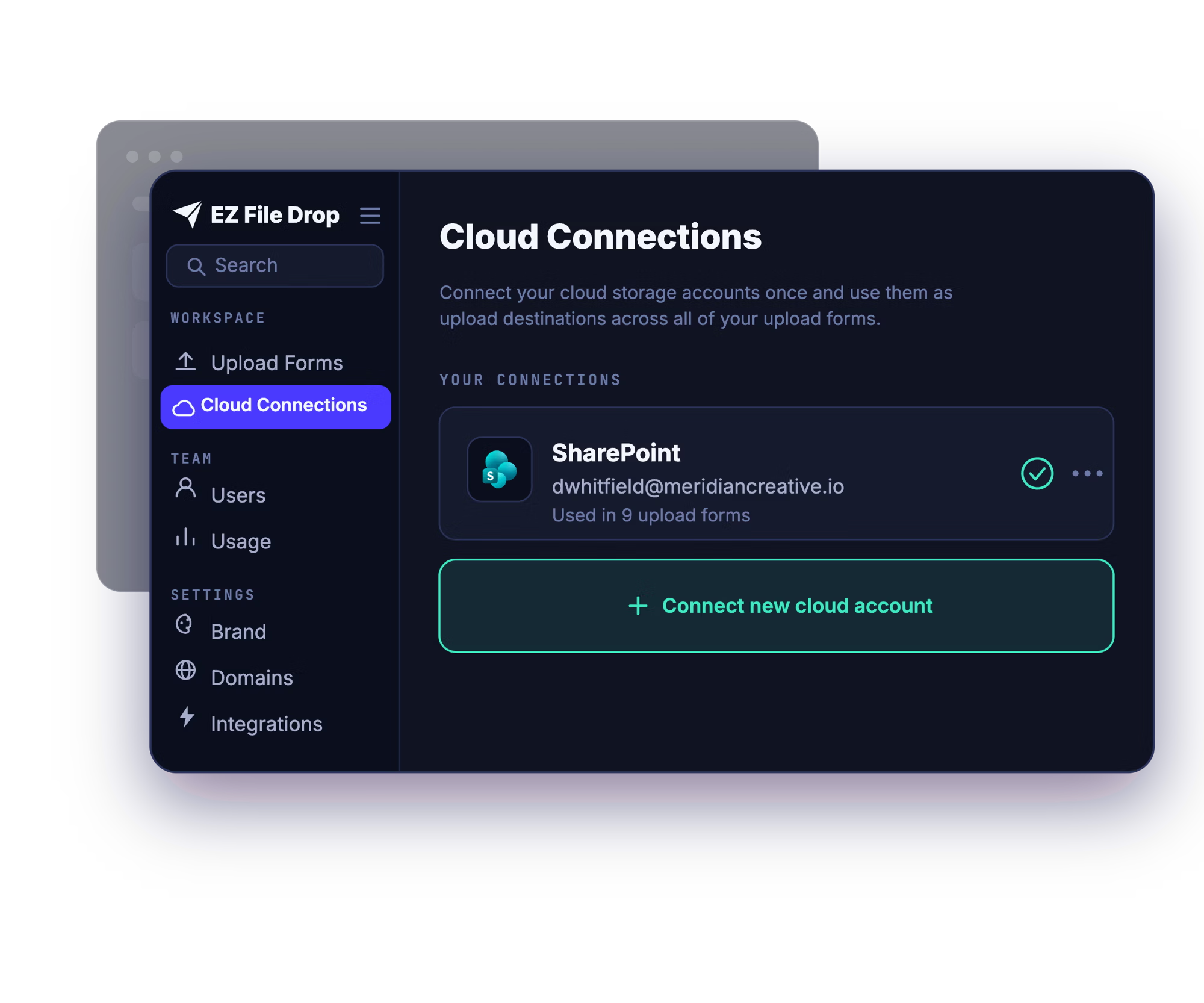
Connect your SharePoint
You connect your account once, through Microsoft's own secure sign-in (OAuth2). EZ File Drop never sees or stores your password, and you can disconnect any time.
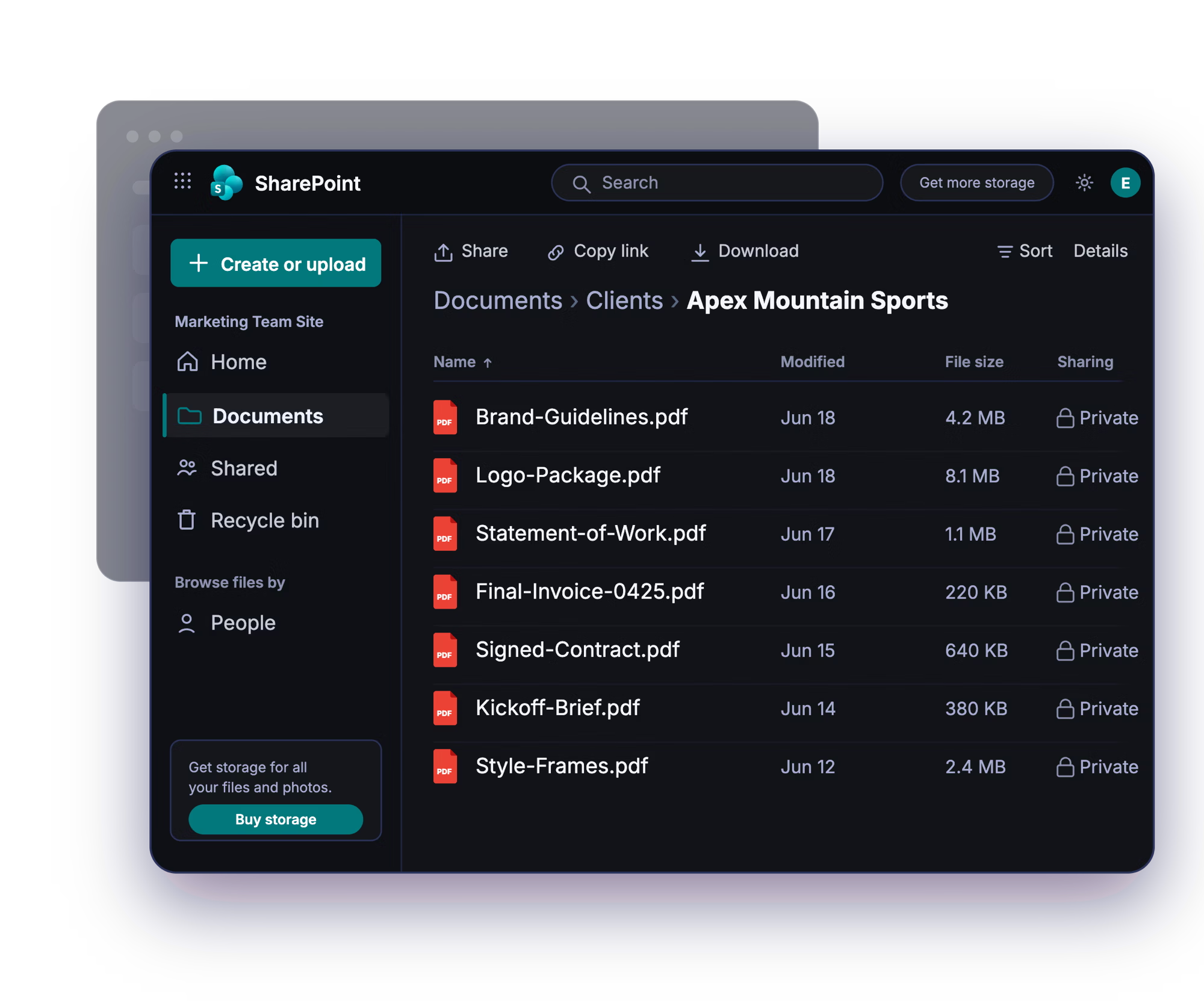
Build a branded upload form
Drag and drop the fields you need, add your logo, colors, and fonts, and write your own instructions. No design or developer help required.
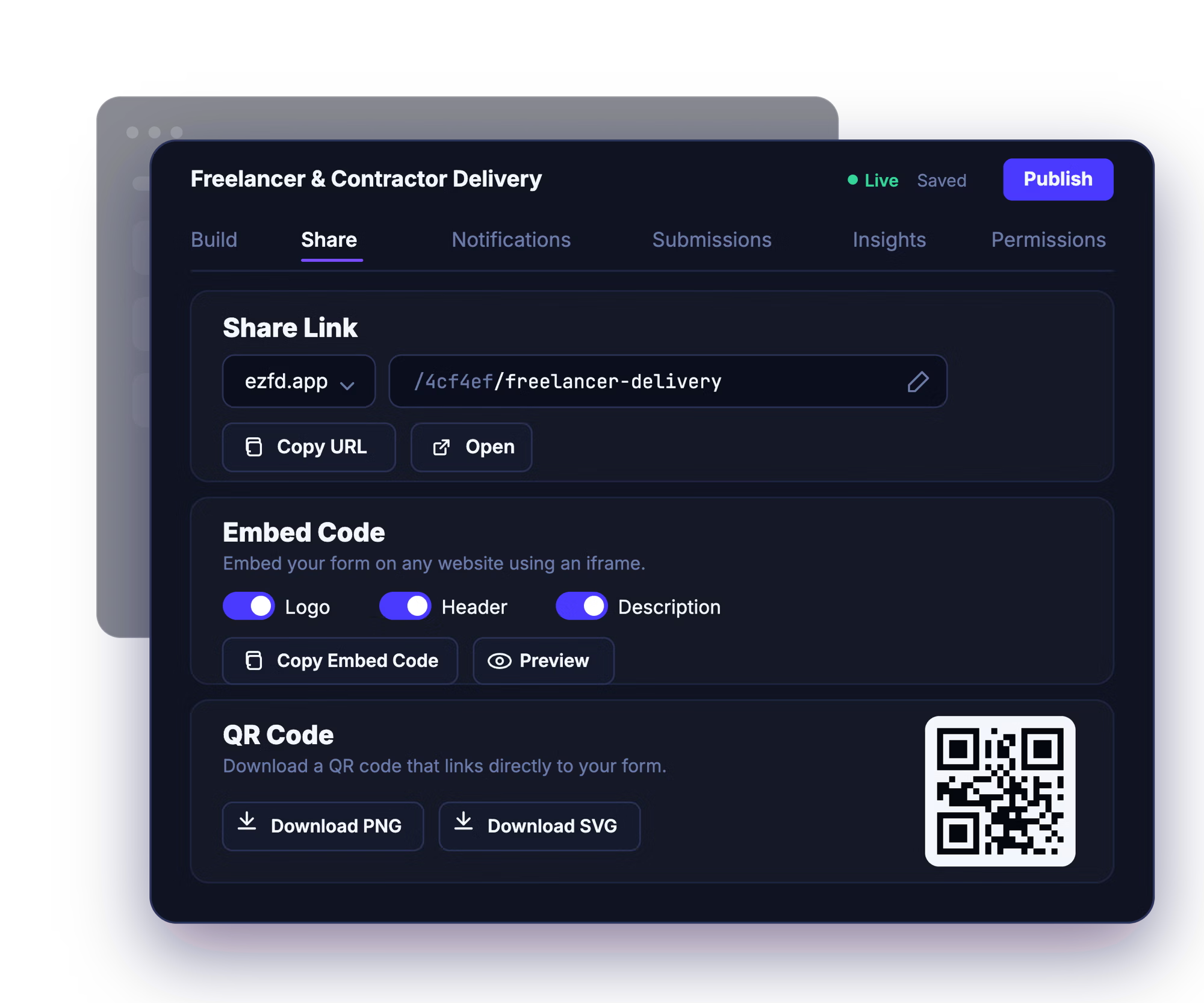
Share the link, embed it, or post the QR code
Send the share link by email, drop the form onto your website, or print the QR code for in-person collection. Uploaders just open it and go.

Files arrive organized in your library
Every submission is delivered to the SharePoint document library you chose, automatically sorted into subfolders by submitter, project, or any form field.
Already requesting files through SharePoint?
EZ File Drop and SharePoint's built-in file requests both put your files in the same place: your own SharePoint document library. What differs is who can set it up, and what the form can do.
The file request feature is built into SharePoint Online, and it is off unless someone turns it on. It needs Anyone links enabled across your whole tenant, plus a separate command run in the SharePoint management shell, and switching Anyone links back off removes it again. For a lot of organizations that tenant-wide setting is the sticking point, because it opens anonymous sharing well beyond the one library you wanted to collect into. Where you do have it, the upload page carries Microsoft's interface, asks the uploader for a name and nothing else, and drops everything into one folder with that name added to each file. If the option is missing from your library, our guide to why SharePoint Request files is missing walks through every cause and who can fix it.
Whether you collect with SharePoint's built-in file request or with EZ File Drop, the files end up in your SharePoint library, where your team already works. The difference is what it takes to get there: EZ File Drop needs no tenant-wide sharing setting, gives outside people a branded form, collects the details you need alongside the files, and sorts and names everything before it reaches your library.
Everything EZ File Drop can do with your SharePoint library.

New to collecting files this way? The setup guide covers connecting your site and choosing a library: Connect EZ File Drop to SharePoint →
Plenty of Microsoft 365 organizations use both SharePoint and OneDrive. If you collect files into personal or team OneDrive too, see the OneDrive file request integration →
Built for the way your organization uses SharePoint
Education
Collect assignments, applications, and accreditation evidence from students, parents, and departments who don't need a Microsoft account to send them. A natural fit for Microsoft 365 schools and universities. See how schools use it →
Law Firms
Take in case documents, signed forms, and client files into the right matter library, without granting outside parties any access to your SharePoint. See how law firms use it →
Nonprofits
Gather grant applications, program documents, and volunteer paperwork from people who don't need a Microsoft account to upload. See how nonprofits use it →
And many more…
FAQ

No, and they don't need an EZ File Drop account either. Anyone with your form link can open it and upload without signing in to anything. They never get access to your SharePoint, they only ever see the upload form.
In the exact SharePoint document library you chose when you set up the form. Every submission to that form is delivered to that same library. If a form collects something like a client name or a matter number, EZ File Drop can create a subfolder for each one automatically, so files arrive sorted instead of stacking up in one place. See Set up dynamic file organization.
Yes. SharePoint Online in Microsoft 365 is the supported destination, and on-premises SharePoint Server isn't supported. You connect your site, choose a document library, and submissions are delivered into it. See Connect SharePoint.
Yes. You pick the exact SharePoint document library each form is delivered to, and you can point different forms at different libraries.
Yes, on every plan. One Microsoft connection reaches every SharePoint site you have access to, so you can point each form at whichever site and library it belongs to. If you work across separate Microsoft accounts or tenants, you can connect as many as you need. See Connect multiple cloud accounts.
Some Microsoft 365 organizations require an administrator to approve third-party apps before anyone on the tenant can connect them. If you see a message saying an admin needs to grant approval, that's a policy on your organization rather than a problem with your account or with EZ File Drop. Send the request to whoever handles IT, and the connection goes through once they've approved it. See Connect SharePoint.
Files are delivered into the SharePoint document library you choose, and from that point they follow that library's existing permissions, the same as any file your team adds. EZ File Drop doesn't change your SharePoint permissions, it just delivers files into the library you selected.
Every form has a submission viewer in your EZ File Drop dashboard, on every plan. You can browse all the submissions to a form, read the form responses attached to each one, and search by person or file name without digging through the SharePoint library. See View and manage submissions.
Yes. EZ File Drop connects through Microsoft's own sign-in using OAuth2, so we never see or store your Microsoft password, and you can revoke access at any time from your Microsoft account settings. Files move over TLS-encrypted connections the whole way.
Microsoft's consent screen asks you to allow access to your files, including files you can reach, which reads broader than what actually happens. The permission has to cover that range because you can point a form at any SharePoint location you can reach. What EZ File Drop does with it is write the files people send through your forms and create subfolders when a form organizes them. It also reads your profile to set up the connection. It doesn't read or browse the files already stored in your site. See Connect SharePoint and the security page.
EZ File Drop retries automatically, several times with a growing gap between attempts, which clears most failures without you doing anything. Two situations retries can't fix are a disconnected account that needs reauthorizing and a destination that's been moved, renamed, or deleted. Failed files stay in staging so you can retry the delivery from your dashboard. See Fix upload errors.
Every plan, including Starter, connects all six cloud destinations, SharePoint included. The features built on top of it are split by plan: dynamic file organization, your own colors, fonts, and logo, and white-labeled forms are on Business and Premium. Full breakdown on the pricing page.
The file request feature is built into SharePoint Online. EZ File Drop is a separate product that connects to your SharePoint site, so it takes the place of a file request rather than adding anything to it. Files are delivered into your document library either way.
Two things change. The file request feature has to be switched on for your whole tenant before anyone can use it, which means enabling Anyone links across every site and running a command in the SharePoint management shell. EZ File Drop needs none of that. And the form itself is different: a SharePoint file request page carries Microsoft's branding, asks the uploader for a name and nothing else, and drops everything into one folder. A form you build in EZ File Drop carries your branding, collects whatever fields you add, sorts files into subfolders based on the answers, can be embedded on your own website, and keeps a searchable record of every submission.
Start collecting with your own SharePoint file request form.
Build your first branded form, connect your SharePoint, and share the link in minutes.