


Connect Box
Connect a Box account once, then use it as the delivery destination for any of your upload forms. Files uploaded through a form route to the Box account you connect here.
You connect an account from Cloud Connections, not from inside a form. After it's connected, it becomes available as a destination every time you build or edit a form.
Connect your account
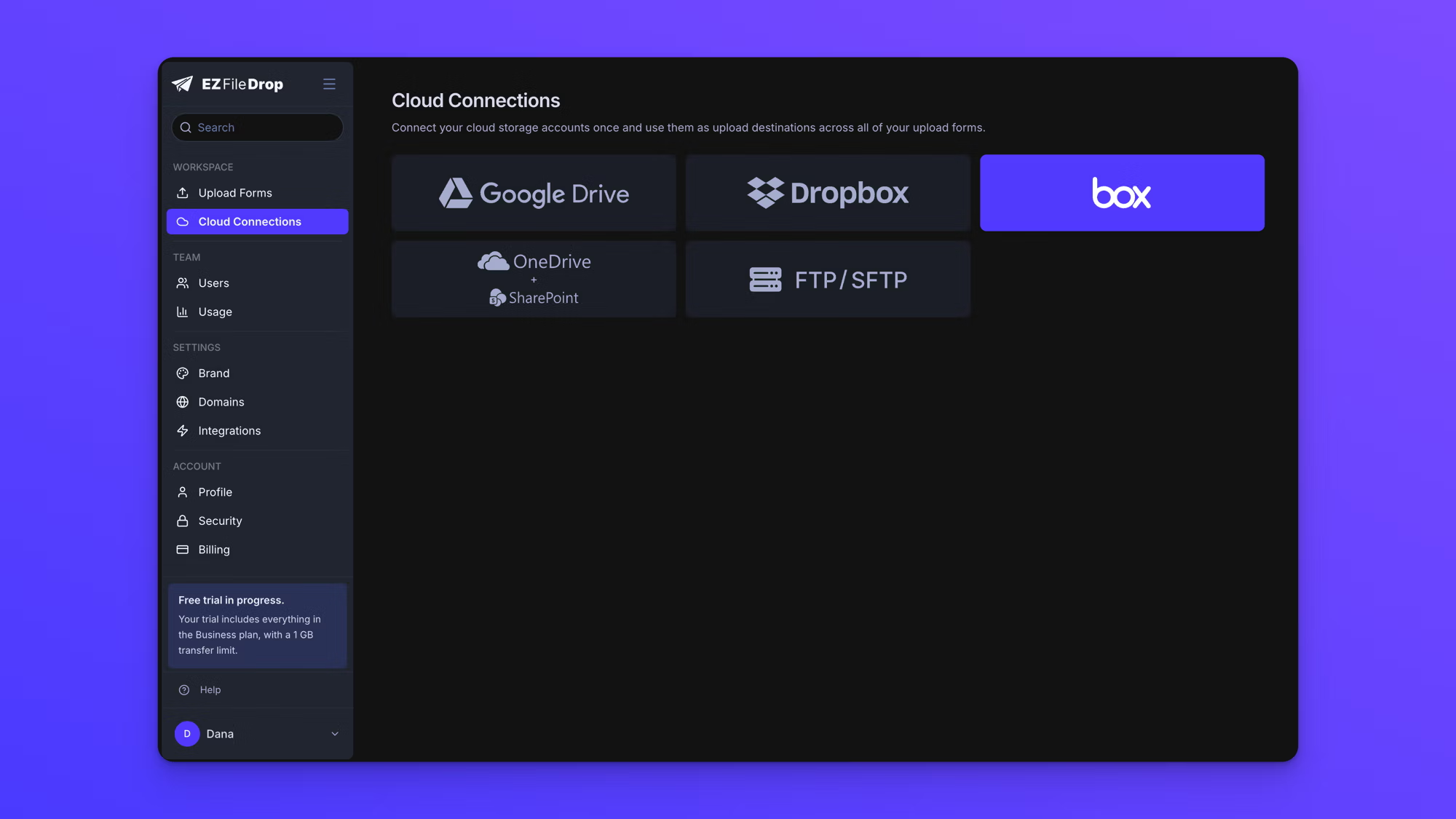
- In the left sidebar, click Cloud Connections.
- Choose Box. The first time you connect, the cloud provider options appear right on the Cloud Connections page. If you already have an account connected, click Connect new cloud account at the top right first, then choose Box from the dialog that opens.
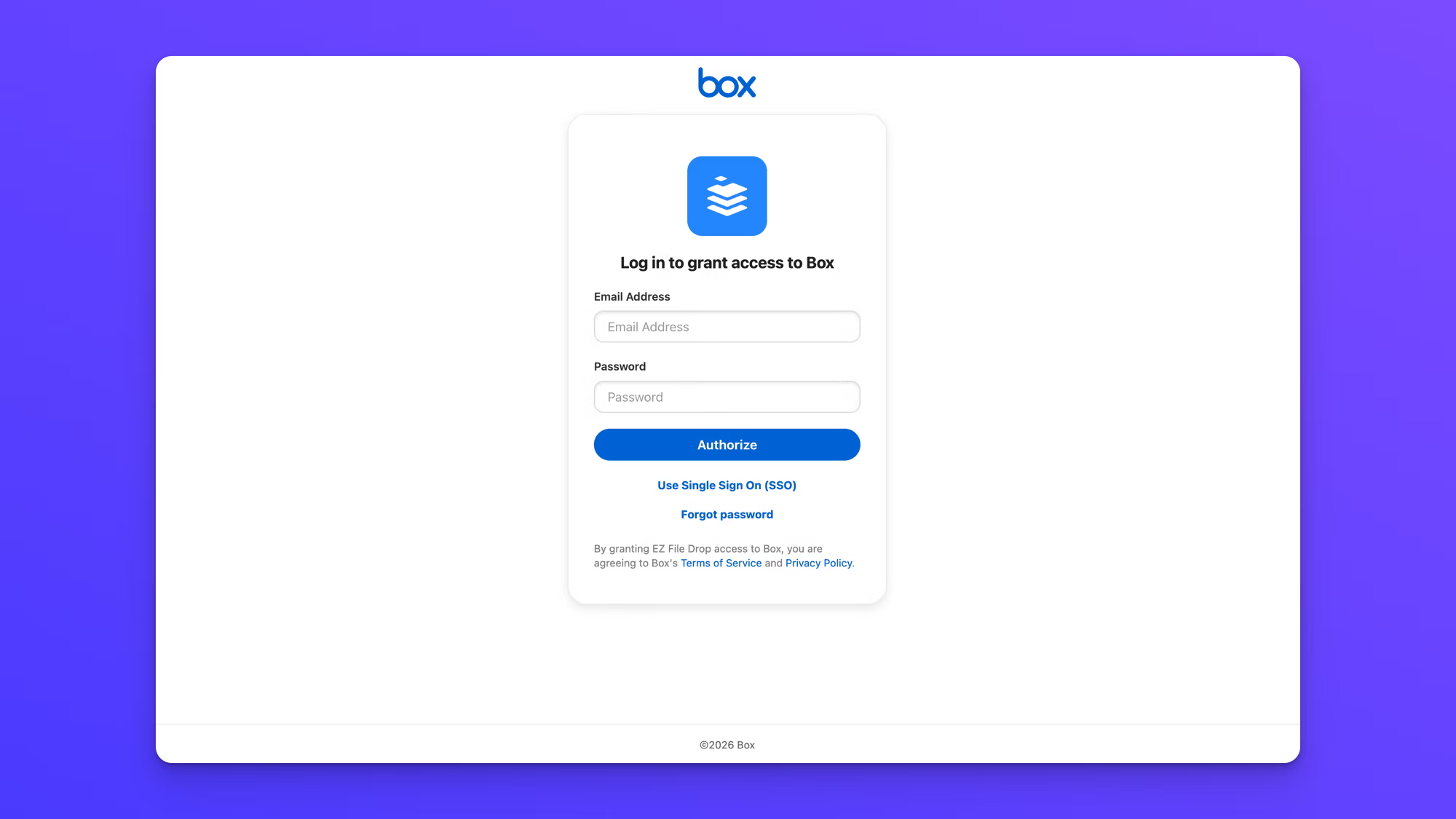
- A Box window opens to log in and grant access to Box. Enter the email address and password for the Box account you want to use, then click Authorize. You can also use Single Sign On (SSO) if your organization uses it.
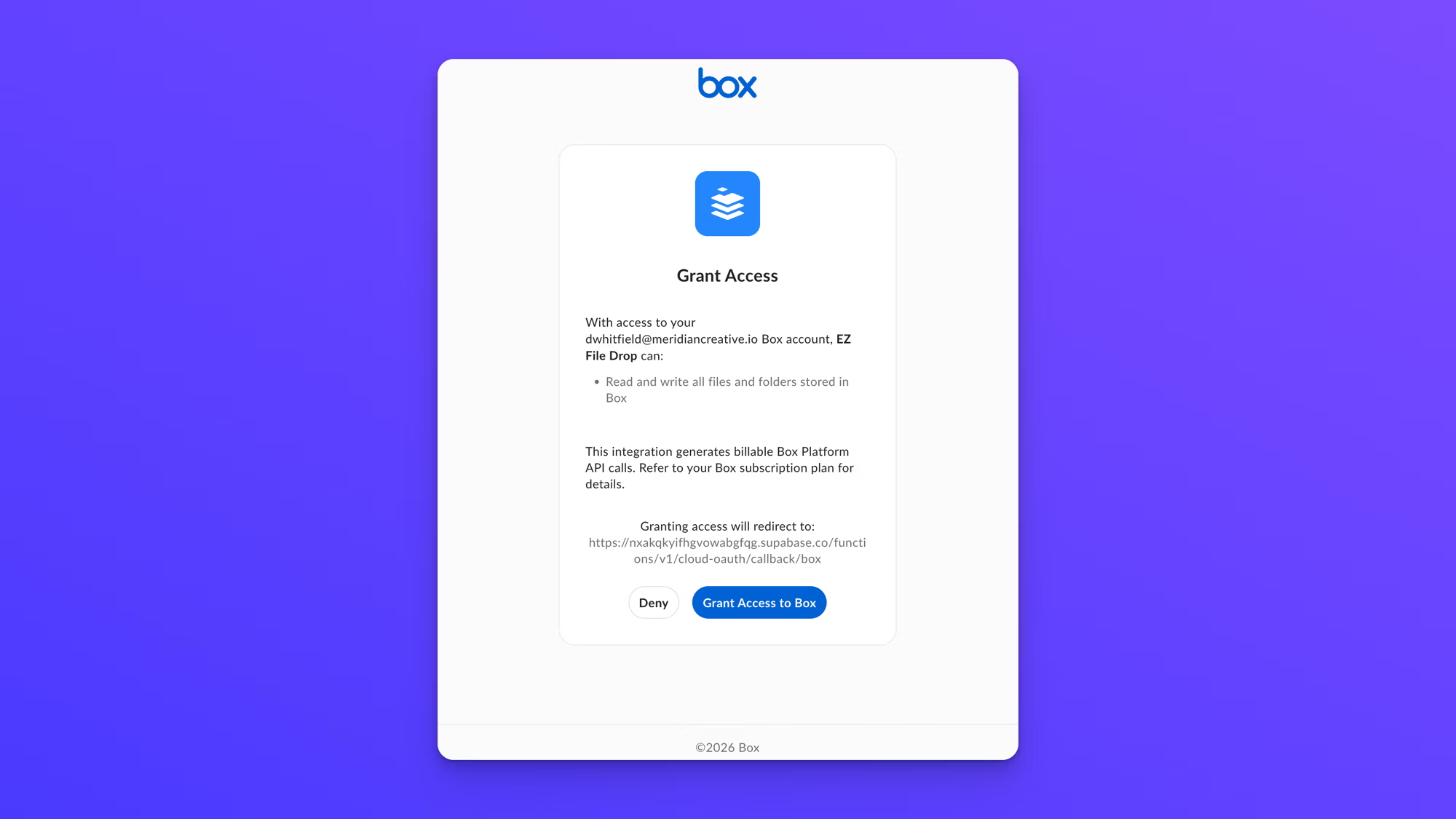
- Review the access and click Grant Access to Box. EZ File Drop asks to read and write the files and folders in your Box account.
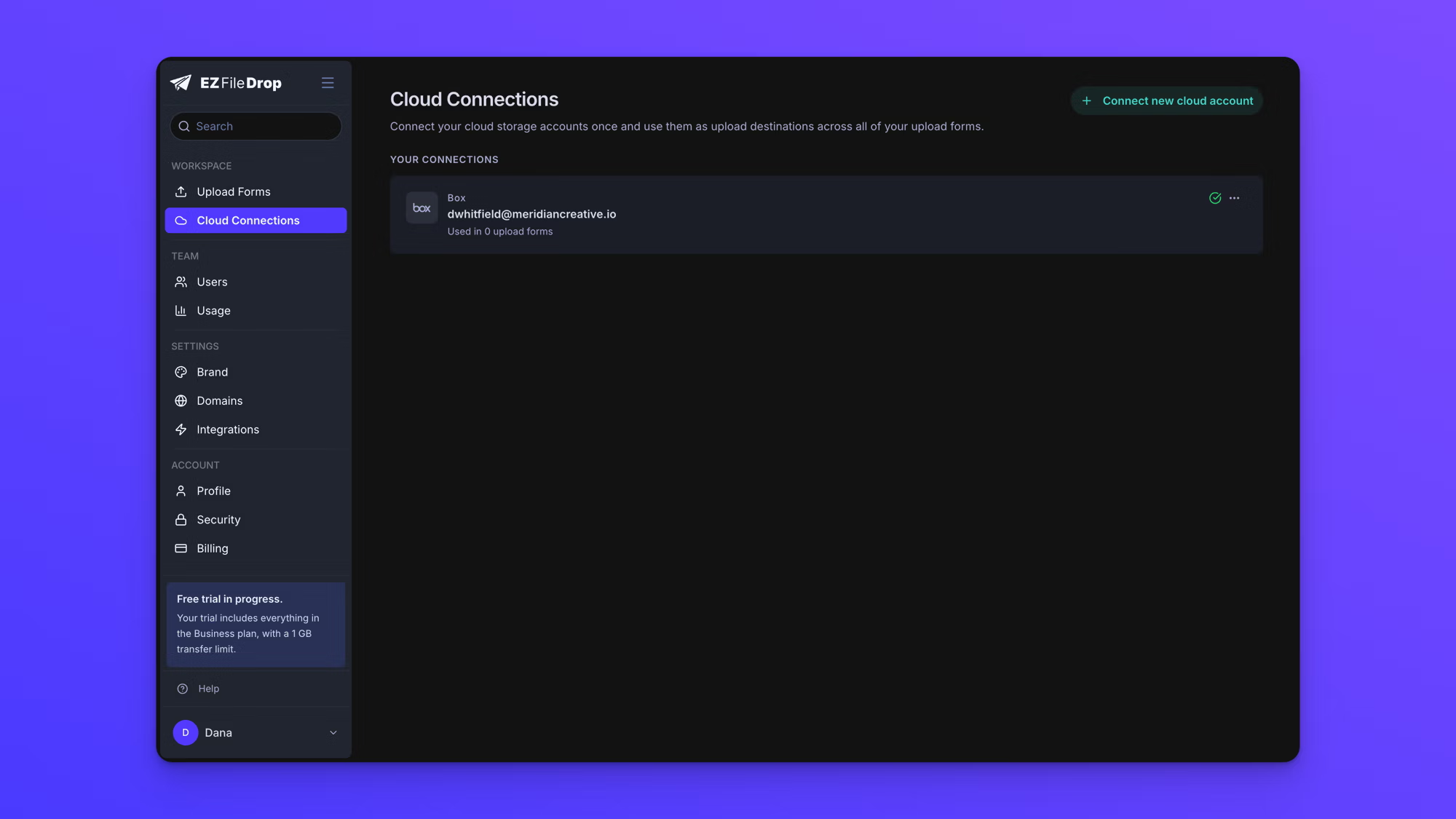
- Box returns you to Cloud Connections, where the account now appears under Your Connections.
What EZ File Drop can access
When you connect, Box asks you to approve read and write access to the files and folders in your Box account. This access looks broad because you can point a form at any folder you own as its destination, and EZ File Drop needs permission to write files there. EZ File Drop uses that permission only to deliver uploads: it writes the files people send through your forms, and it creates subfolders when a form organizes files. It does not read or browse the files you already keep in Box. When a form delivers a file, that file is placed in the folder you chose and removed from EZ File Drop automatically after delivery.
Use the account on a form
A connected account isn't tied to any single form. Open any form's Build tab and choose your Box account as the destination. The same account can be the destination for as many forms as you like.
To connect more than one Box account, see Connect multiple cloud accounts.