


Connect Google Drive
Connect a Google Drive account once, then use it as the delivery destination for any of your upload forms. Files uploaded through a form route to the Drive account you connect here.
You connect an account from Cloud Connections, not from inside a form. After it's connected, it becomes available as a destination every time you build or edit a form.
Connect your account
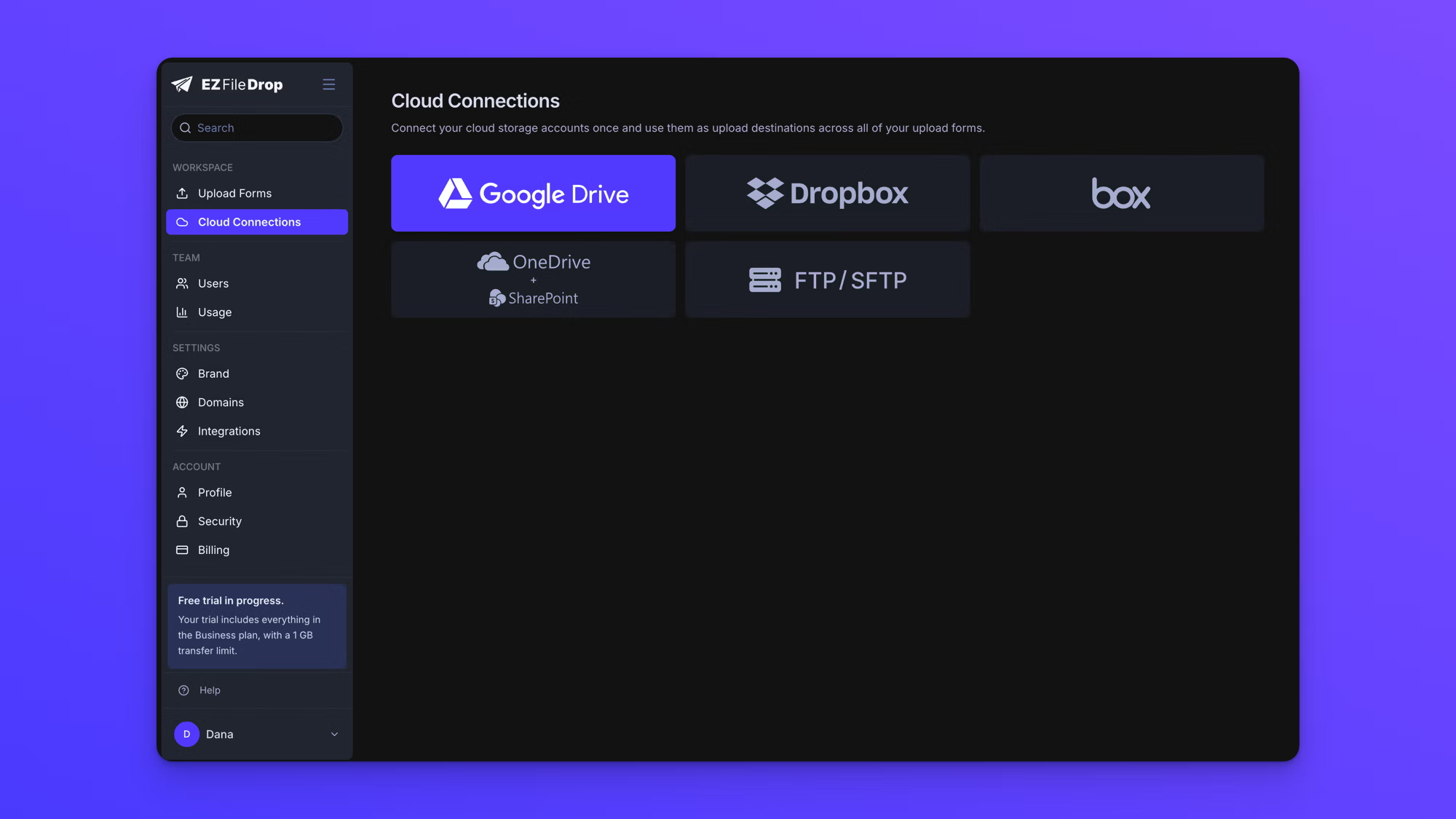
- In the left sidebar, click Cloud Connections.
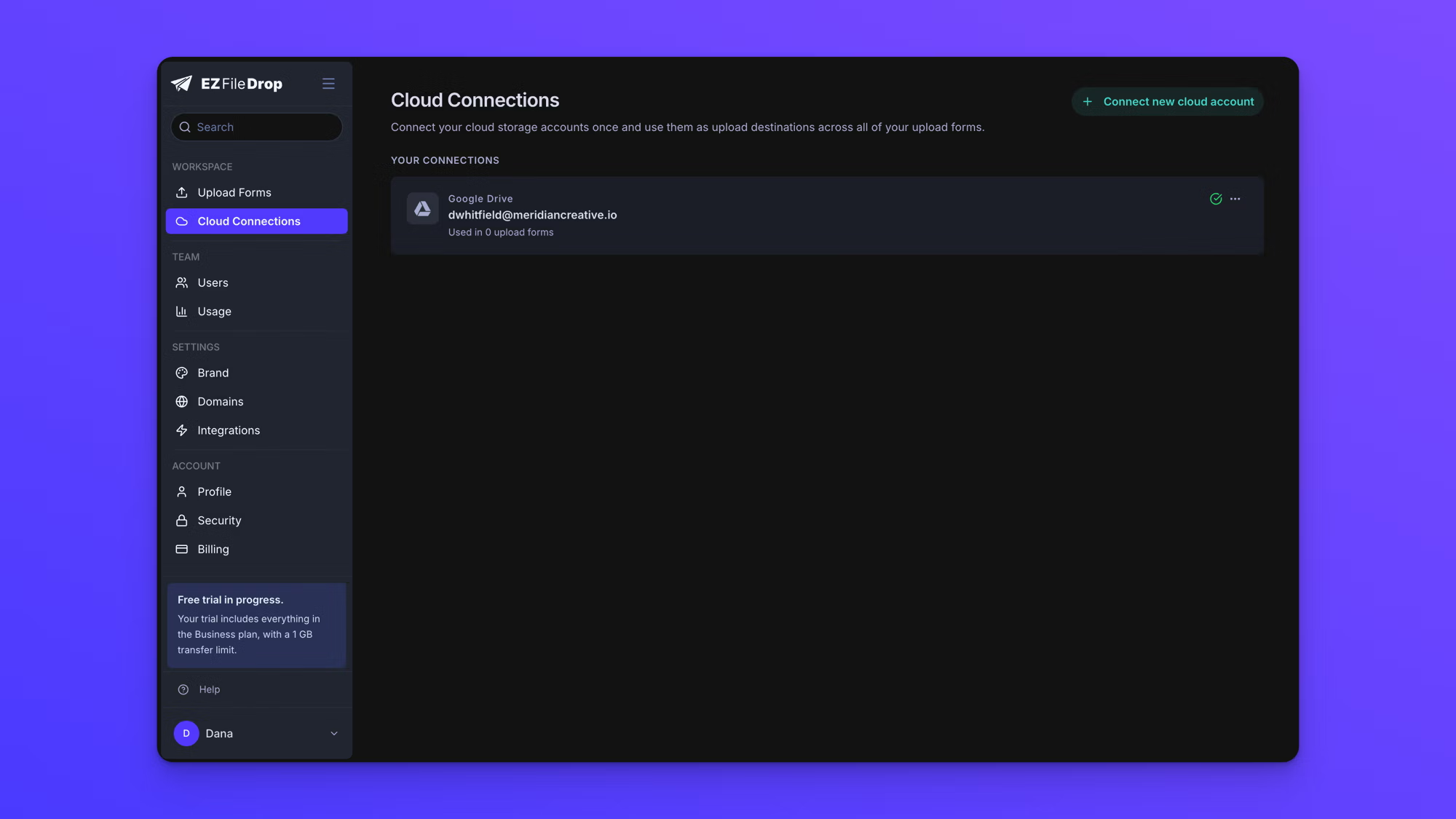
- Choose Google Drive. The first time you connect, the cloud provider options appear right on the Cloud Connections page. If you already have an account connected, click Connect new cloud account at the top right first, then choose Google Drive from the dialog that opens.
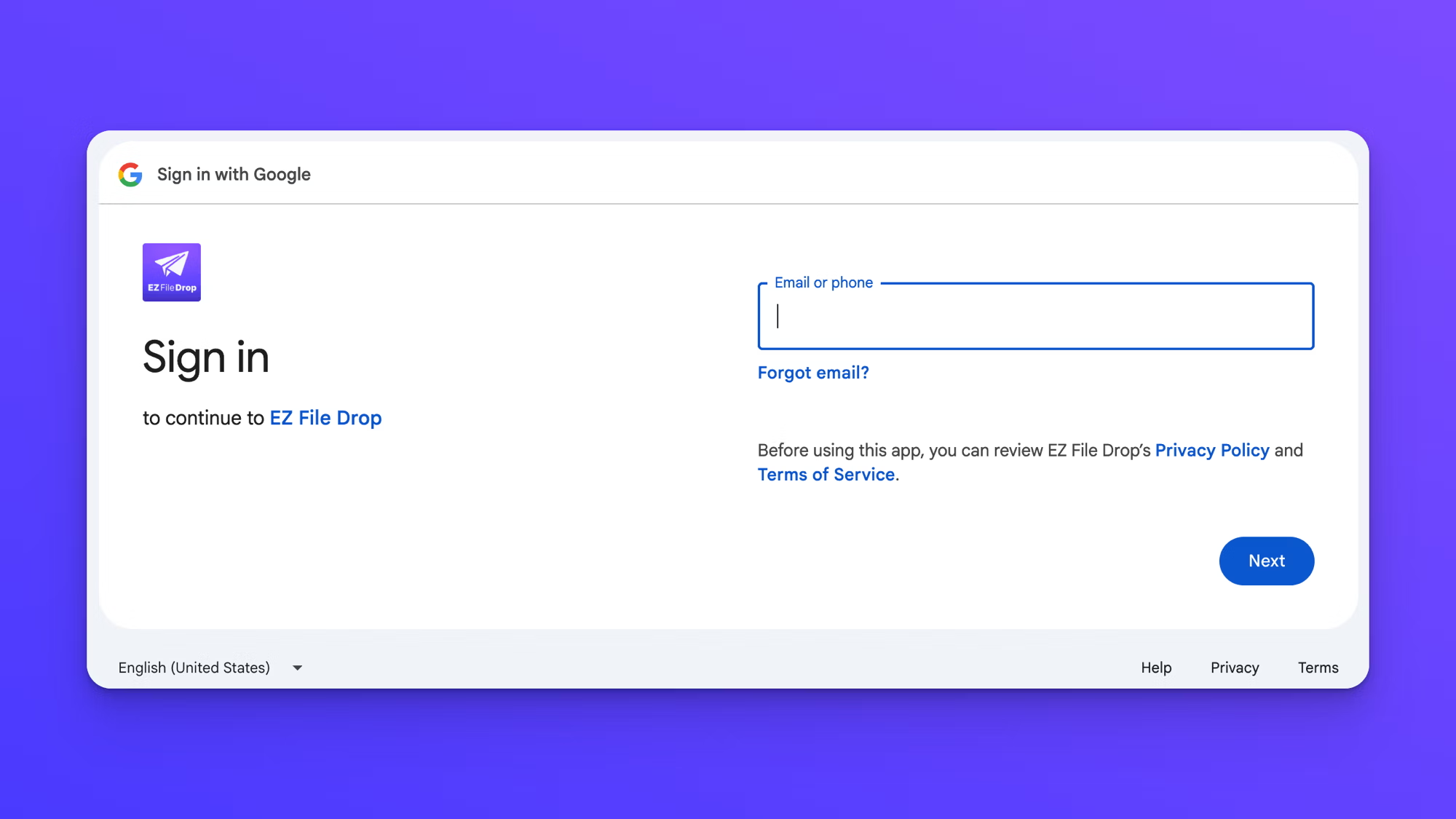
- A Sign in with Google window opens. Enter the email address for the Google account you want to use, then click Next.
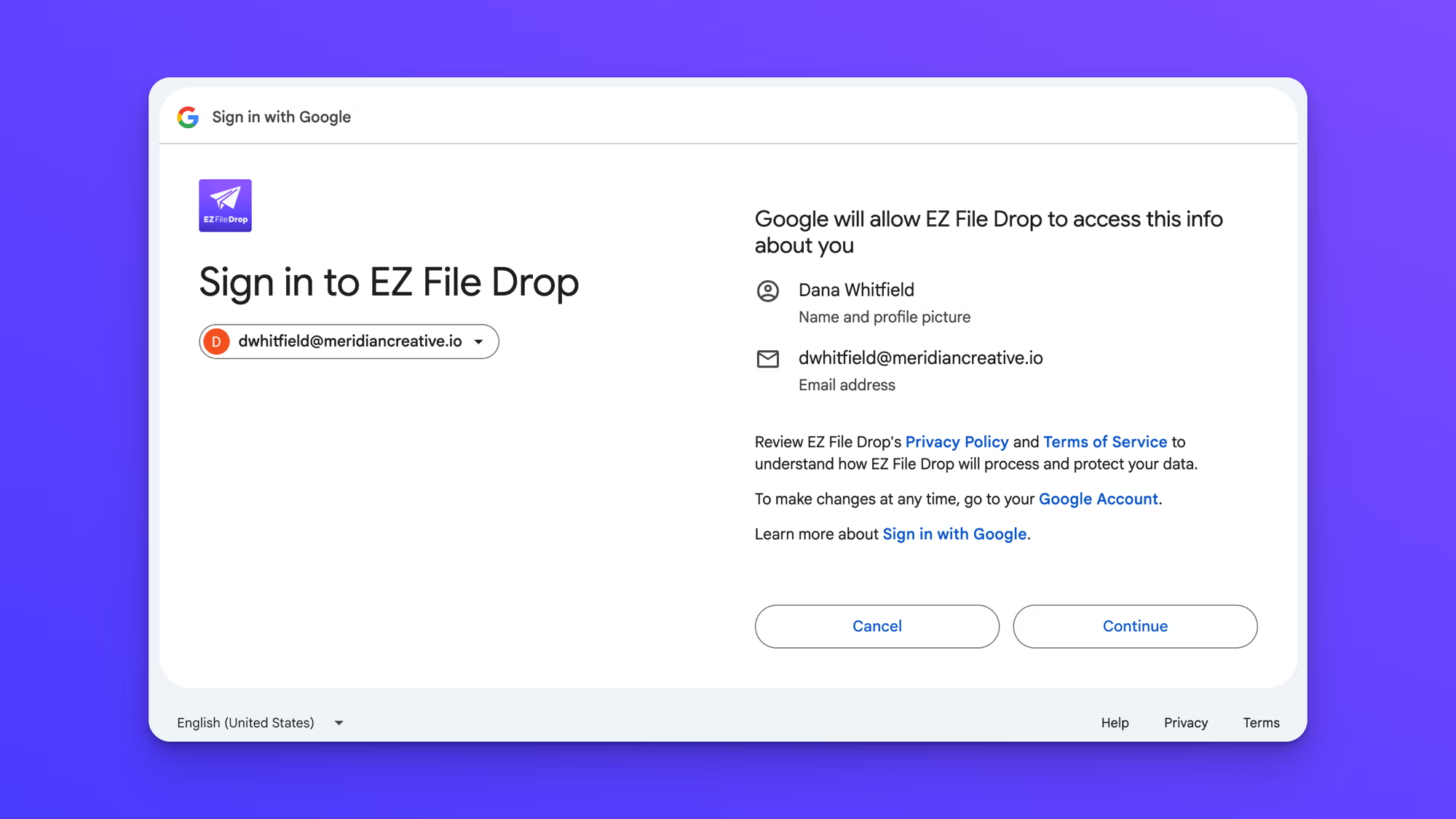
- Confirm the account. Google shows the name and email address EZ File Drop will receive. Click Continue.
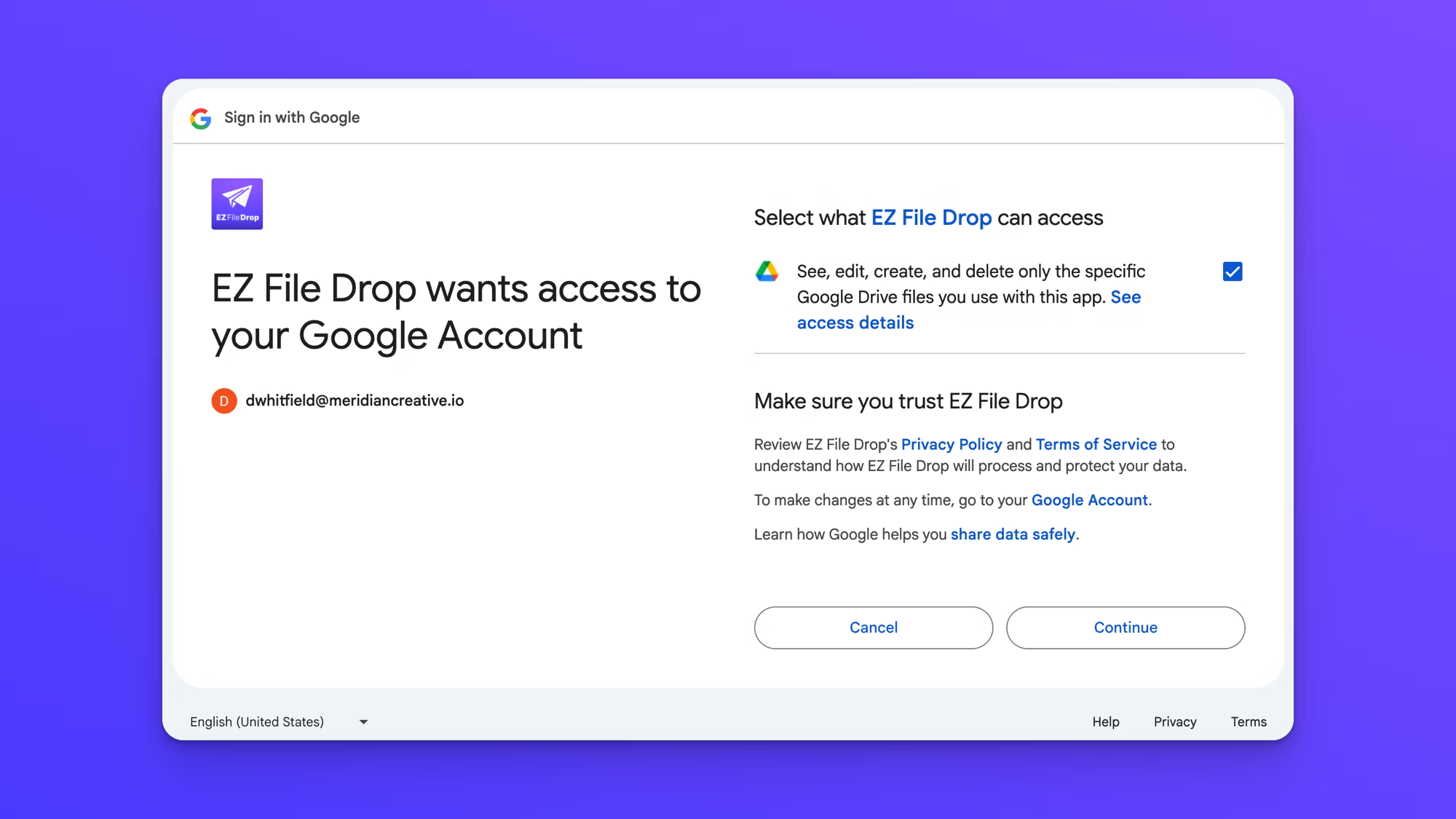
- Review the access request and click Continue. Google asks you to let EZ File Drop see, edit, create, and delete Google Drive files you use with the app. Keep the checkbox selected so files can be delivered to your Drive.
- Google returns you to Cloud Connections, where the account now appears under Your Connections.
What EZ File Drop can access
EZ File Drop can see the files that are uploaded using your forms, the subfolders it creates to keep those files organized, and (if you use the feature) the specific Google Sheet that logs your submission data. That's the whole list.
EZ File Drop cannot browse, read, or open anything else in your Google Drive. That includes the other files sitting in the same folder you pick as your upload destination. Those stay private to you.
This isn't a promise we're asking you to take on blind trust. It's built into the way EZ File Drop was designed. When you connect Google Drive to EZ File Drop, Google gives us a specific permission called drive.file, which is the narrowest access Google offers. By design, an app with this permission can only access files it created itself.
Use the account on a form
A connected account isn't tied to any single form. Open any form's Build tab and choose your Google Drive account as the destination. The same account can be the destination for as many forms as you like.
To connect more than one Google Drive account, see Connect multiple cloud accounts.